
On this page
Typing and confirming are two separate steps
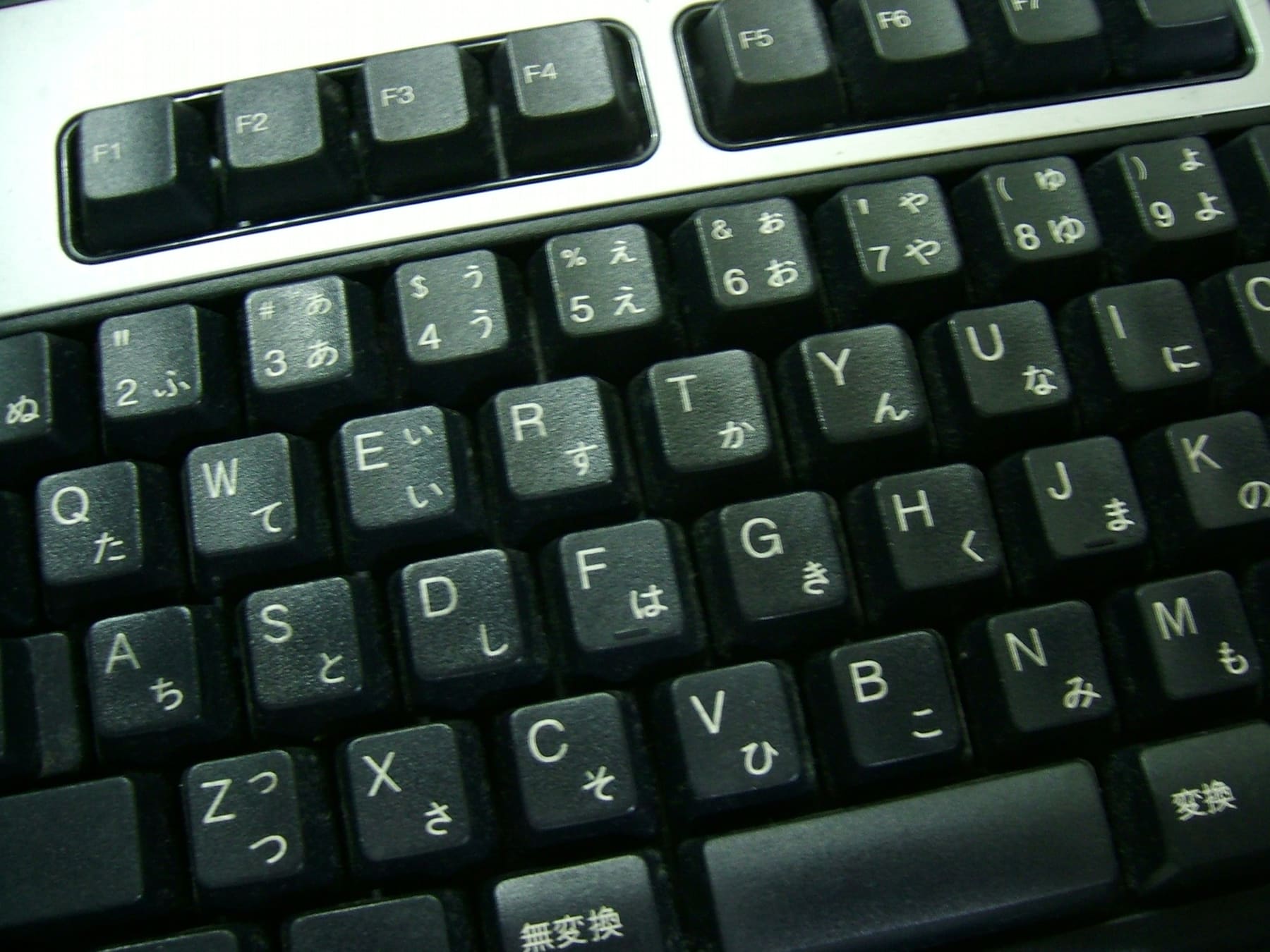
A Japanese IME works differently from other keyboards. You type romaji, it converts to kana as you go, and pressing space offers kanji candidates for what you have typed. You choose one and press Enter to commit: typing and confirming are distinct steps.
While a conversion is pending, the text appears underlined. That underline means the IME still considers it editable. Pressing Enter or clicking elsewhere commits it.
Enabling Japanese input
| Platform | Where to add it | Switching |
|---|---|---|
| Windows | Settings → Time & language → Add a language → Japanese | The 半角/全角 key, or Windows+Space |
| macOS | System Settings → Keyboard → Input Sources → Japanese (Romaji) | Control+Space, or Caps Lock |
| iPhone | Settings → General → Keyboard → Add New Keyboard → Japanese (Romaji or Kana) | The globe icon |
| Android | Gboard → Languages → add Japanese | The globe icon |
On phones you can pick romaji input or kana flick input. Romaji is easier for learners, though flick input on the 12-key pad is the method most people in Japan use.
The inputs that trip people up
| What you want | Type | Why |
|---|---|---|
| The small っ, as in きって | kitte (double the consonant) | Doubling the following consonant produces it automatically |
| ん | nn, or n followed by an apostrophe | A single n may merge with the next vowel |
| The long-vowel mark ー | The hyphen key | Used in katakana, as in コーヒー |
| Small vowels ぁ, ぃ, ぅ | x or l before the vowel (xa → ぁ) | Only needed when they stand alone |
| Force katakana | F7 on Windows, Control+K on macOS | Press it before committing the conversion |
| Japanese punctuation 、。 | The comma and period keys | They convert automatically while in Japanese mode |
Quick check.How do you type きって (postage stamp) in romaji?
Choosing the right kanji
Pressing space produces a list of homophone candidates, and Japanese has a lot of homophones. Committing with Enter without looking is how you end up with a character that means something entirely different.
Most IMEs show a short gloss beside each candidate; reading those while you learn doubles as kanji practice. The IME also learns your habits and promotes the readings you pick most.
It learns your mistakes too, though, so reading the glosses beside each candidate is worth the effort for the first few weeks.
Frequently asked questions
How do I type in Japanese?
You type romaji. Entering nihongo produces にほんご, and pressing space offers kanji candidates such as 日本語. Pick one and press Enter to commit it.
How do I type the small っ?
Double the following consonant: type kitte for きって and gakkou for がっこう, and the IME inserts the small っ automatically.
Romaji input or kana input?
Romaji is easier for learners since it uses the alphabet keyboard you already know. Flick input on phones is more common in Japan itself, but it takes longer to learn.